How to Create Eight-Direction Movement in GameMaker
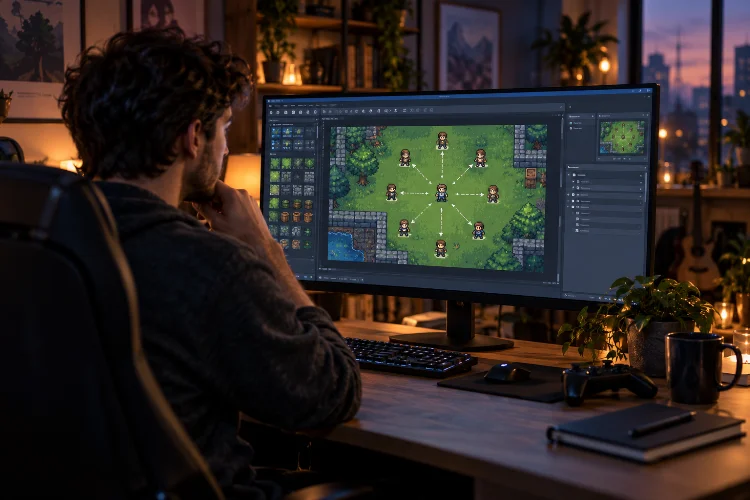
How to Create Eight-Direction Movement in GameMaker

Movement is one of the first systems that makes a game actually feel like a game. Press a key, your character moves, and suddenly that collection of sprites and objects starts becoming interactive. For top-down RPGs, adventure games, shooters, and many other 2D projects, four-direction movement is often a good start-but allowing diagonal movement usually … Read more
How to Detect Key Pressed, Key Down, and Key Released in GameMaker

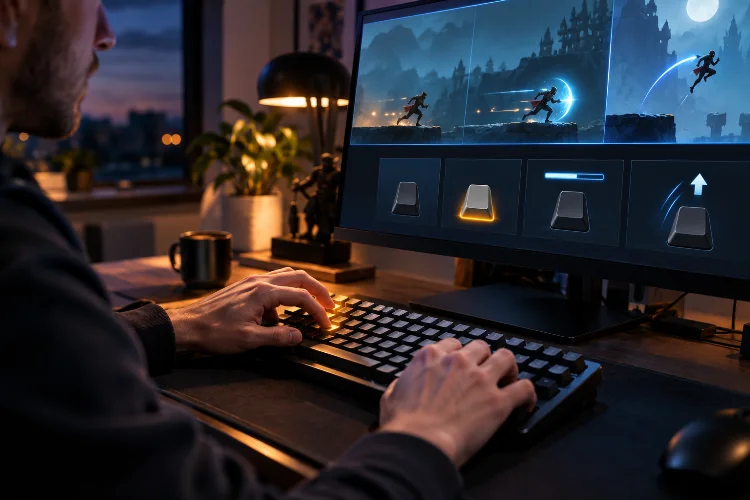
How to Detect Key Pressed, Key Down, and Key Released in GameMaker

Keyboard input sounds simple until your character suddenly jumps ten times from one press of the Space key. Maybe you want a character to keep moving while the player holds an arrow key. Perhaps a menu should open only once when Escape is pressed. Or maybe an attack should charge while a button is held … Read more

Local, Instance, and Global Variables in GameMaker: A Simple Guide

Local, Instance, and Global Variables in GameMaker: A Simple Guide

When you first start writing GML, creating variables feels simple enough. You write something like health = 100;, use the value later, and everything seems fine. Then your project becomes larger. Suddenly, one enemy needs its own health, a temporary damage calculation should disappear after a function finishes, and your total score needs to be … Read more

Variables and Data Types in GML Explained: A Beginner’s Guide

Variables and Data Types in GML Explained: A Beginner’s Guide

When you start programming a game, almost everything eventually comes back to one simple idea: storing information. Your player’s health needs to be remembered. The game needs to know how many coins have been collected. An enemy needs a movement speed, a character needs a name, and your menu needs to know whether the sound … Read more

Understanding the GameMaker Start Page and Workspace: A Beginner’s Guide

Understanding the GameMaker Start Page and Workspace: A Beginner’s Guide

Opening GameMaker for the first time can feel a little like walking into a new studio where every tool is already sitting on the desk-but you are not quite sure what any of them do. There are buttons across the top, panels on the sides, an Asset Browser, editor windows, output messages, and a large … Read more

How to Install and Set Up GameMaker: A Beginner-Friendly Guide

How to Install and Set Up GameMaker: A Beginner-Friendly Guide

Getting started with game development can feel intimidating when you first see an engine full of editors, settings, assets, and unfamiliar buttons. The good news is that GameMaker is designed to make that first step considerably easier. Whether you want to build a simple platformer, a top-down RPG, an arcade game, or eventually publish a … Read more

How to Define a Realistic Scope for an Indie Game

How to Define a Realistic Scope for an Indie Game

Most indie games do not begin with small ideas. Developers imagine large worlds, branching stories, dozens of characters, online multiplayer, crafting systems, and endless post-launch content. The excitement is real, but so is the amount of work hiding behind every feature. A realistic game scope is not about making your idea boring. It is about … Read more

How to Turn a GameMaker Prototype Into a Complete Game

How to Turn a GameMaker Prototype Into a Complete Game

Getting a GameMaker prototype working can feel like a major victory. The character moves, enemies react, collisions function, and the main mechanic is finally playable. However, a working prototype is not the same as a complete game. A prototype answers one important question: is the central idea enjoyable? A finished game must answer many more. … Read more

How to Use Parent Objects Effectively in GameMaker

How to Use Parent Objects Effectively in GameMaker

As a GameMaker project grows, repeating the same code becomes difficult to manage. You may have five enemy objects that all need health, contact damage, death effects, and collision behaviour. Copying those systems into every enemy might work at first, but one small change would then need to be repeated across several objects. Parent objects … Read more

How to Structure a Large GameMaker Project Without the Chaos

How to Structure a Large GameMaker Project Without the Chaos

A small GameMaker project can survive a little disorder. You might keep movement code inside one object, name a sprite sprite7, and place every asset in the same folder. As long as the game contains only one room and a few objects, you can probably remember where everything is. That approach becomes painful once the … Read more