How to Import and Play Sound Effects in GameMaker
How to Import and Play Sound Effects in GameMaker

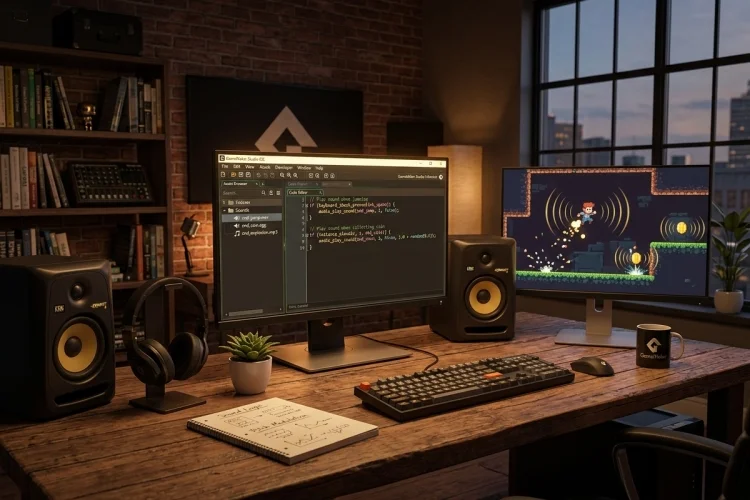
Sound effects can make even a simple game feel much more responsive. A jump becomes more satisfying with a quick movement sound, collecting a coin feels rewarding with a bright chime, and an enemy hit becomes easier to understand when it produces a clear impact effect. GameMaker includes a built-in audio system that lets you … Read more
How Audio Works in GameMaker: A Beginner’s Guide

How Audio Works in GameMaker: A Beginner’s Guide

A game can be visually impressive and still feel strangely empty without audio. Footsteps make movement feel physical, impact sounds make attacks more satisfying, and background music establishes the mood before the player reads a single line of dialogue. GameMaker includes a built-in audio engine for importing, playing, controlling, and positioning sounds. It supports common … Read more

How to Plan a 2D Game Level Before Building It

How to Plan a 2D Game Level Before Building It

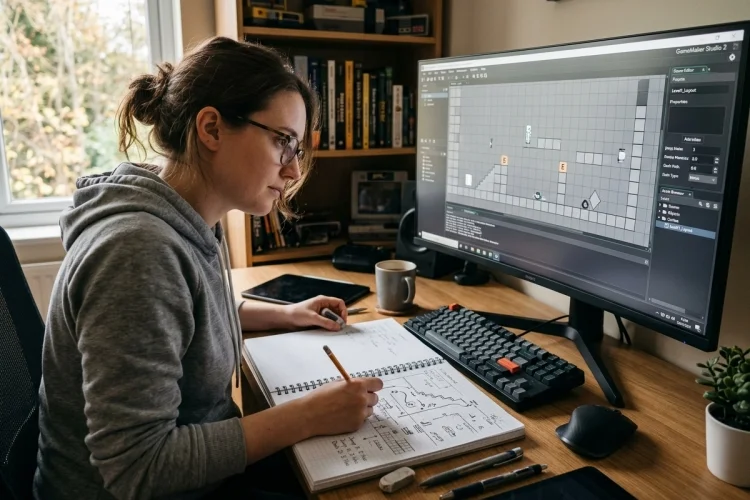
Opening GameMaker’s Room Editor and immediately placing platforms, enemies, and decorations can feel productive. However, without a clear plan, you may eventually discover that the level is confusing, unfair, too long, or simply not enjoyable. Planning does not mean creating a huge design document before doing any practical work. It means deciding what the level … Read more

Level Design Fundamentals for GameMaker Developers

Level Design Fundamentals for GameMaker Developers

A level can look beautiful and still be frustrating to play. Players may get lost, miss important objects, encounter unfair enemies, or spend too much time walking through empty spaces. Good level design is not simply about decorating a room. It is about guiding the player through a clear, enjoyable sequence of decisions and challenges. … Read more

How to Build a Damage and Invincibility System in GameMaker

How to Build a Damage and Invincibility System in GameMaker

Taking damage should feel dangerous, but it should also feel fair. When a player touches an enemy, they expect to lose health, receive clear feedback, and get a brief chance to escape. Without that protection, one collision can drain an entire health bar in a fraction of a second. That is why many action games … Read more

How to Create a Health System in GameMaker: Beginner Guide

How to Create a Health System in GameMaker: Beginner Guide

A health system is one of those game mechanics that looks simple until you start building it. The player has a number, an enemy reduces that number, and the character is defeated when it reaches zero. Easy, right? The basic idea is simple, but a good health system also needs limits, damage protection, healing, visual … Read more

Collision Events vs Collision Functions in GameMaker Explained

Collision Events vs Collision Functions in GameMaker Explained

Collisions are responsible for many of the moments that make a game interactive. A player touches a coin, a bullet strikes an enemy, a character walks into a wall, or an attack reaches several targets inside a rectangular area. GameMaker offers two main approaches for handling these situations: Collision Events and collision functions. They may … Read more

How Collision Detection Works in GameMaker: A Beginner’s Guide

How Collision Detection Works in GameMaker: A Beginner’s Guide

A character walking through walls can destroy the illusion of a game in seconds. Players expect solid floors, collectable coins, dangerous enemies, and interactive doors to respond when they are touched. Collision detection is the system that makes those interactions possible. Learning how collision detection works in GameMaker is important because detecting contact is only … Read more

How to Create and Edit Sprites in GameMaker

How to Create and Edit Sprites in GameMaker

Great 2D games do not always need complicated artwork. A small character made from a few carefully placed pixels can feel memorable when it moves smoothly, reacts clearly, and fits the visual style of the game. In GameMaker, these images are usually stored as sprites. A sprite can represent a player, enemy, collectible, projectile, interface … Read more

How Sprites Work in GameMaker: A Complete Beginner’s Guide

How Sprites Work in GameMaker: A Complete Beginner’s Guide

When you look at a 2D game, nearly everything visible may begin as a sprite. The hero running across the screen, a spinning coin, an enemy waiting behind a wall, and even a menu button can all use sprite assets. However, sprites in GameMaker do more than display pictures. They can contain multiple animation frames, … Read more