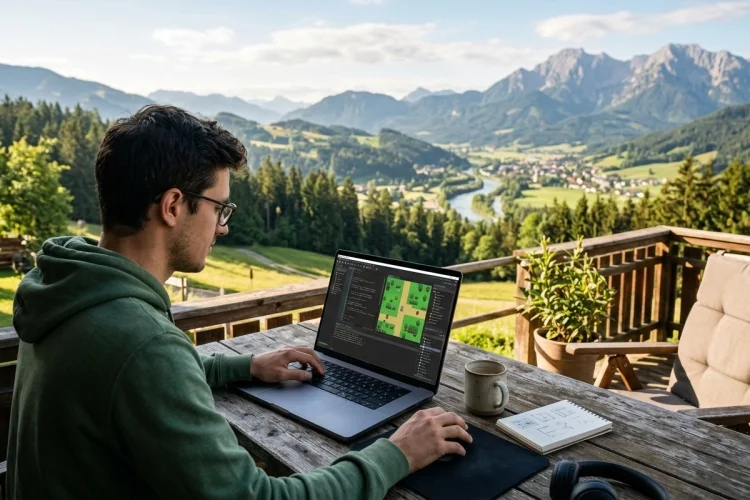
Understanding the GameMaker Start Page and Workspace: A Beginner’s Guide
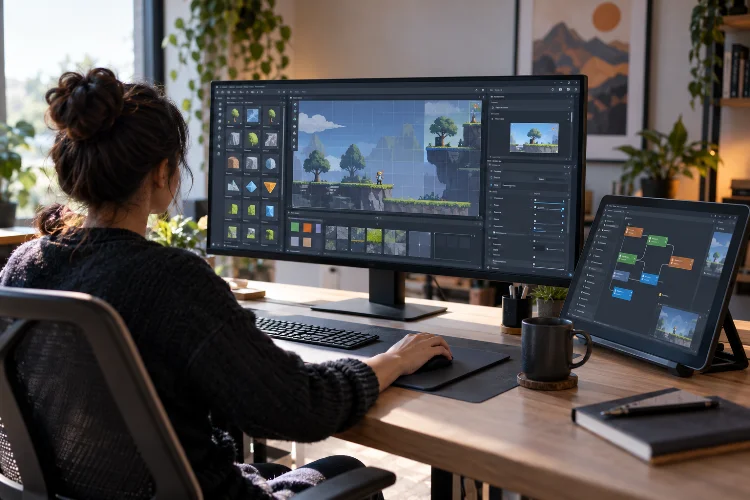
Understanding the GameMaker Start Page and Workspace: A Beginner’s Guide

Opening GameMaker for the first time can feel a little like walking into a new studio where every tool is already sitting on the desk-but you are not quite sure what any of them do. There are buttons across the top, panels on the sides, an Asset Browser, editor windows, output messages, and a large … Read more
How to Install and Set Up GameMaker: A Beginner-Friendly Guide

How to Install and Set Up GameMaker: A Beginner-Friendly Guide

Getting started with game development can feel intimidating when you first see an engine full of editors, settings, assets, and unfamiliar buttons. The good news is that GameMaker is designed to make that first step considerably easier. Whether you want to build a simple platformer, a top-down RPG, an arcade game, or eventually publish a … Read more

How Collision Detection Works in GameMaker: A Beginner’s Guide

How Collision Detection Works in GameMaker: A Beginner’s Guide

A character walking through walls can destroy the illusion of a game in seconds. Players expect solid floors, collectable coins, dangerous enemies, and interactive doors to respond when they are touched. Collision detection is the system that makes those interactions possible. Learning how collision detection works in GameMaker is important because detecting contact is only … Read more

How to Create Basic Player Movement in GameMaker

How to Create Basic Player Movement in GameMaker

A game does not feel like a game until the player can actually move. Whether you are creating a top-down adventure, a puzzle game, or a fast arcade shooter, movement is usually one of the first systems you need to build. Fortunately, creating basic player movement in GameMaker does not require hundreds of lines of … Read more