How to Create Eight-Direction Movement in GameMaker
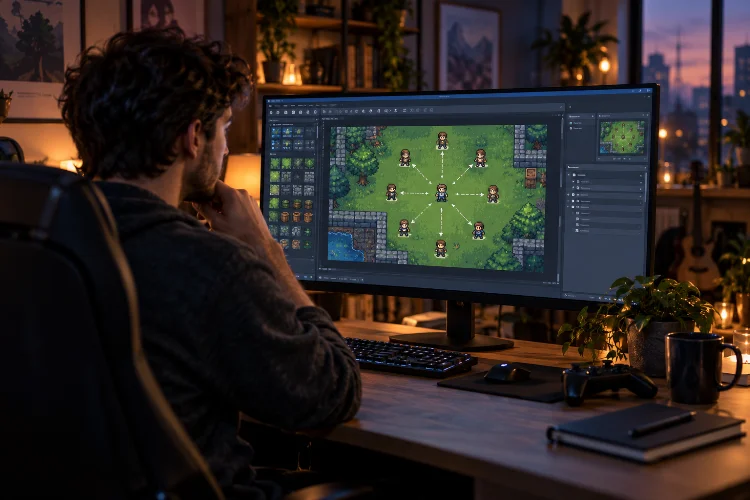
How to Create Eight-Direction Movement in GameMaker

Movement is one of the first systems that makes a game actually feel like a game. Press a key, your character moves, and suddenly that collection of sprites and objects starts becoming interactive. For top-down RPGs, adventure games, shooters, and many other 2D projects, four-direction movement is often a good start-but allowing diagonal movement usually … Read more
How to Detect Key Pressed, Key Down, and Key Released in GameMaker

How to Detect Key Pressed, Key Down, and Key Released in GameMaker

Keyboard input sounds simple until your character suddenly jumps ten times from one press of the Space key. Maybe you want a character to keep moving while the player holds an arrow key. Perhaps a menu should open only once when Escape is pressed. Or maybe an attack should charge while a button is held … Read more

How to Use Keyboard Input in GameMaker: A Beginner’s Guide

How to Use Keyboard Input in GameMaker: A Beginner’s Guide

Keyboard controls may look simple from the player’s perspective. Press W to move forward, Space to jump, and Escape to open the pause menu. Behind the scenes, however, the game must recognise exactly when each key is pressed, held, or released. Learning how to use keyboard input in GameMaker is one of the first essential … Read more

How to Create Basic Player Movement in GameMaker

How to Create Basic Player Movement in GameMaker

A game does not feel like a game until the player can actually move. Whether you are creating a top-down adventure, a puzzle game, or a fast arcade shooter, movement is usually one of the first systems you need to build. Fortunately, creating basic player movement in GameMaker does not require hundreds of lines of … Read more