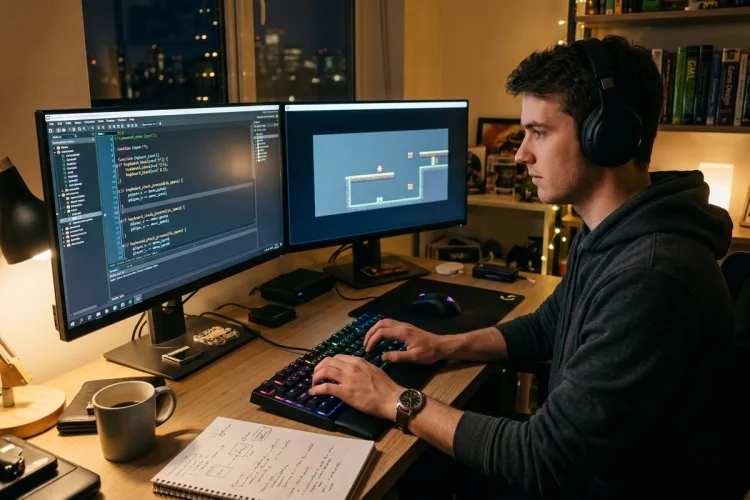
How to Detect Key Pressed, Key Down, and Key Released in GameMaker
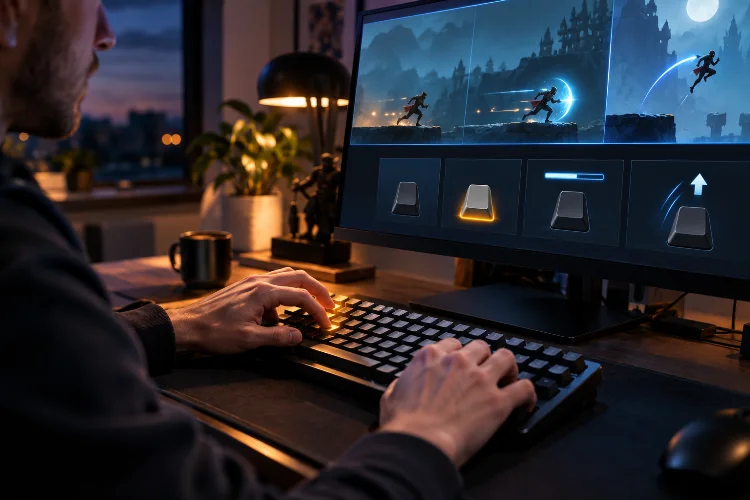
Keyboard input sounds simple until your character suddenly jumps ten times from one press of the Space key. Maybe you want a character to keep moving while the player holds an arrow key. Perhaps a menu should open only once when Escape is pressed. Or maybe an attack should charge while a button is held … Read more