How to Create Eight-Direction Movement in GameMaker
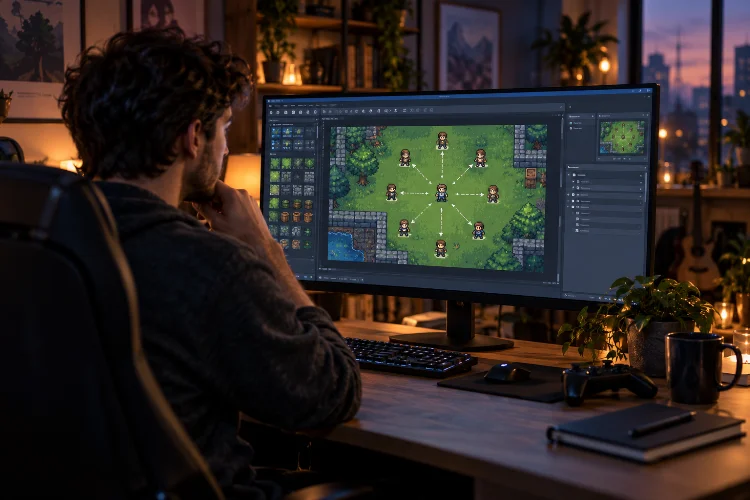
How to Create Eight-Direction Movement in GameMaker

Movement is one of the first systems that makes a game actually feel like a game. Press a key, your character moves, and suddenly that collection of sprites and objects starts becoming interactive. For top-down RPGs, adventure games, shooters, and many other 2D projects, four-direction movement is often a good start-but allowing diagonal movement usually … Read more
How to Detect Key Pressed, Key Down, and Key Released in GameMaker

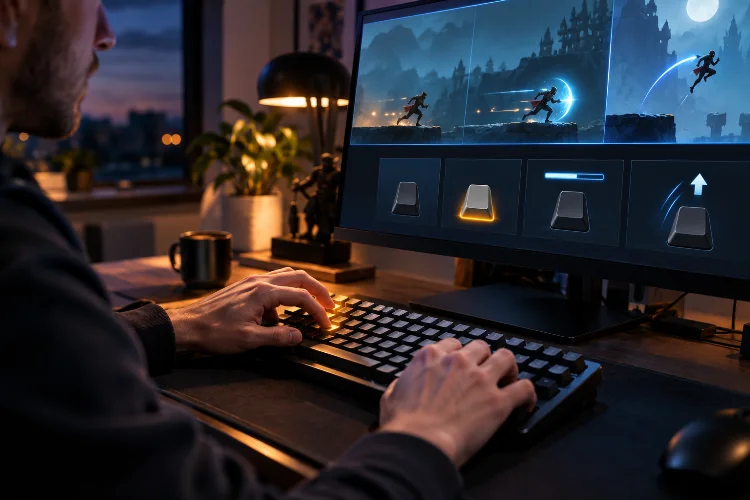
How to Detect Key Pressed, Key Down, and Key Released in GameMaker

Keyboard input sounds simple until your character suddenly jumps ten times from one press of the Space key. Maybe you want a character to keep moving while the player holds an arrow key. Perhaps a menu should open only once when Escape is pressed. Or maybe an attack should charge while a button is held … Read more

Local, Instance, and Global Variables in GameMaker: A Simple Guide

Local, Instance, and Global Variables in GameMaker: A Simple Guide

When you first start writing GML, creating variables feels simple enough. You write something like health = 100;, use the value later, and everything seems fine. Then your project becomes larger. Suddenly, one enemy needs its own health, a temporary damage calculation should disappear after a function finishes, and your total score needs to be … Read more

Variables and Data Types in GML Explained: A Beginner’s Guide

Variables and Data Types in GML Explained: A Beginner’s Guide

When you start programming a game, almost everything eventually comes back to one simple idea: storing information. Your player’s health needs to be remembered. The game needs to know how many coins have been collected. An enemy needs a movement speed, a character needs a name, and your menu needs to know whether the sound … Read more

How to Install and Set Up GameMaker: A Beginner-Friendly Guide

How to Install and Set Up GameMaker: A Beginner-Friendly Guide

Getting started with game development can feel intimidating when you first see an engine full of editors, settings, assets, and unfamiliar buttons. The good news is that GameMaker is designed to make that first step considerably easier. Whether you want to build a simple platformer, a top-down RPG, an arcade game, or eventually publish a … Read more